Video for Internal Communications: The Complete Guide

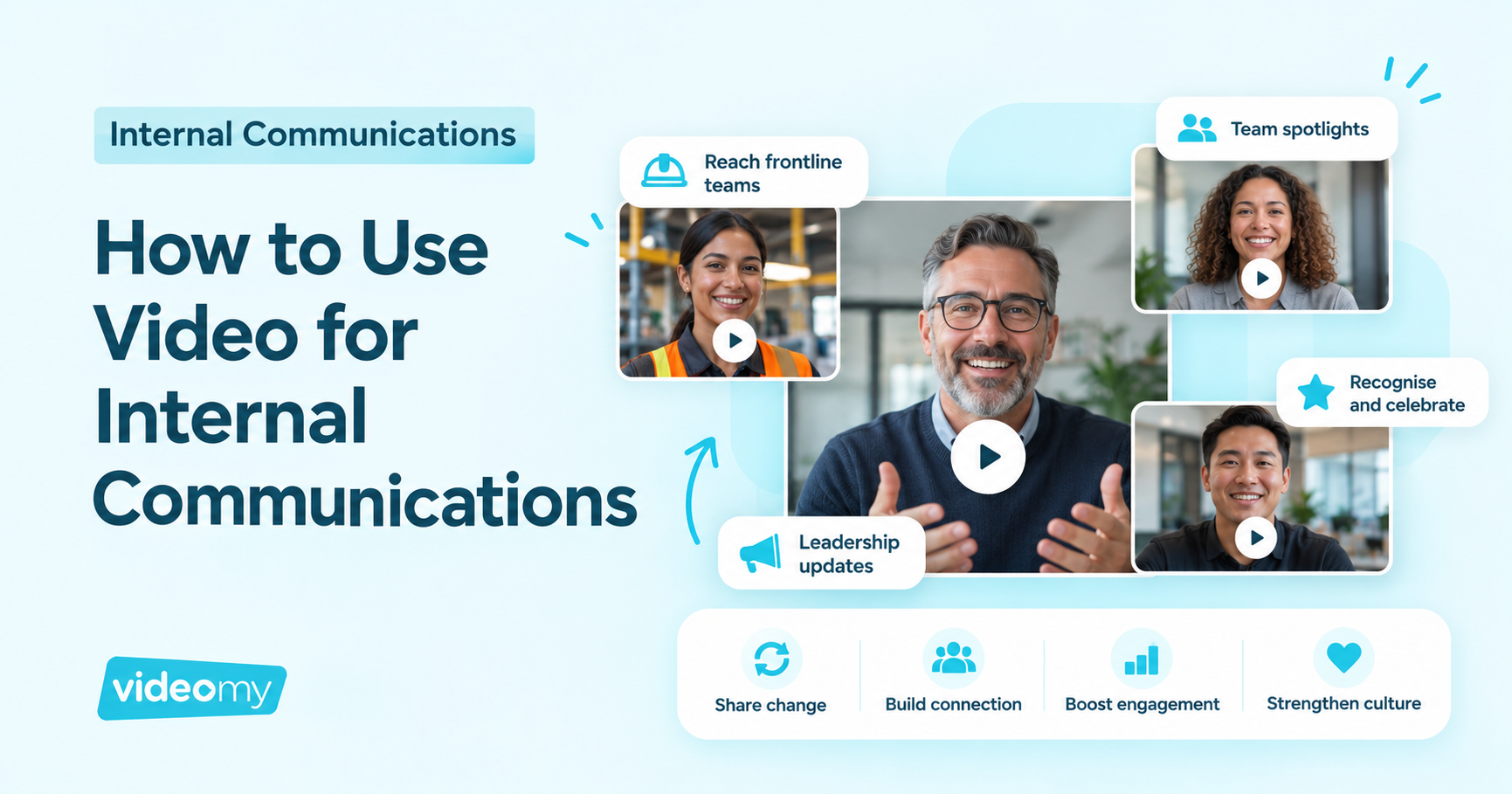
Video for internal communications means using short, human videos from leaders and employees to share news, explain change and connect people across an organisation.
It works because people pay attention to faces and voices in a way they don’t to another all-staff email or intranet article. For internal comms teams, video is especially valuable for reaching frontline and dispersed workers, making leadership updates feel genuine, and helping employees understand why change is happening, not just what is changing.
This guide covers why internal comms needs to change, the most effective video formats, how to reach every employee, how to use video for change communication, and how to build a sustainable video programme without a production team.
Why does internal communication need to change?
Engagement is falling
Gallup’s State of the Global Workplace research found that global employee engagement fell to 20% in 2025, its lowest level since 2020, and that low engagement cost the world economy approximately $10 trillion in lost productivity, or 9% of GDP. Managers, who are meant to carry messages to their teams, are feeling it most: Gallup reports manager engagement fell from 27% to 22% in a single year.
Messages aren’t reaching the people who need them
Microsoft’s Work Trend Index survey of 9,600 frontline workers across eight markets, including Australia, found that 63% of frontline workers say messages from leadership don’t make it to them, and 32% feel their voice is not being heard. If your comms rely on email and a desktop intranet, a large share of your workforce simply isn’t seeing them.
Employees are tired of change
Gartner research found that employees’ willingness to support enterprise change fell from 74% in 2016 to 38% in 2022, while the average employee experienced ten planned enterprise changes in 2022, up from two in 2016. Every new system, restructure or policy competes for the same shrinking pool of goodwill.
The intranet has become a graveyard
Most internal comms teams know the feeling: articles get published, views flatline after a day, and the same few people engage. Text-heavy intranet content is easy to ignore, hard to find later and rarely reflects the voices of people outside head office.
Why does video work for internal communications?
- It’s human. Seeing and hearing a leader or colleague builds connection and trust that text cannot.
- It’s faster to consume. A 60-second video can carry the same core message as a long article, and is far more likely to be watched to the end.
- It travels. Video works on mobile, in team huddles, on digital signage and in breakrooms, which matters for frontline workers without a desk or company laptop.
- It amplifies employee voices. People trust their peers. LinkedIn research found people are 3x more likely to trust company information from employees than from the CEO. Video lets you put real employees at the centre of your comms, not just leaders.
- It explains complexity. Showing how a new process works, or hearing a colleague explain why a change helped them, cuts through confusion faster than a policy document.
What are the most effective internal communication video formats?
1. Leadership and CEO updates
Short, regular updates from leaders, recorded on a phone or laptop rather than in a studio. The key is consistency and authenticity: a monthly two-minute update that sounds like the person is far more effective than a polished annual video. Scripting help and a teleprompter can reduce leaders’ anxiety without making them sound robotic.
2. Team spotlights
Teams introduce themselves, share what they do and celebrate wins. Spotlights break down silos and help people understand how different parts of the organisation fit together.
3. Change communication clips
Short videos explaining what is changing, why and what it means for each group, ideally featuring employees who have already experienced the change.
4. Ask Me Anything (AMA) and Q&A videos
Leaders answer real questions submitted by employees. This shows leadership is listening and addresses concerns before they become rumours.
5. Recognition and celebration
Peer thank-yous, milestone celebrations and customer stories. Recognition shared on video is more personal and more likely to be seen.
6. Internal mobility and career stories
Employees who have moved roles or progressed explain how they did it. This supports retention by showing people there is a future for them internally.
7. Employee Resource Group (ERG) and culture stories
ERG members share their experiences, events and perspectives in their own words, helping to build an inclusive culture.
8. Onboarding and welcome videos
Leaders and teams welcome new starters, explain how things work and introduce key people, so new employees feel connected from day one.
How do you reach frontline and dispersed employees with video?
Frontline employees are often the hardest group to reach and the most important to engage. To get video in front of them:
- Go mobile-first. Make sure videos play well on phones, with captions for noisy environments or sound-off viewing.
- Use the channels they actually use. Team apps, shift huddles, breakroom screens, QR codes on noticeboards and messaging tools, not just email.
- Feature frontline voices. Content from people in similar roles is far more relevant than a head-office message.
- Keep it short. Under 90 seconds, so it can be watched during a break or at the start of a shift.
- Translate where needed. Subtitles in key languages make sure messages land with multilingual workforces.
- Give them a voice. Let frontline employees record and share their own stories, not just receive messages.
How do you fix the “intranet graveyard” with video?
The intranet doesn’t have to be where content goes to die. Small changes make a big difference:
- Lead with video. Put short videos at the top of key pages and news items, not buried at the bottom.
- Use an always-on library of stories. Embed a feed of employee and leader videos on the intranet homepage, so there is always something new to see.
- Make it discoverable. Tag videos by team, location and topic so people can find relevant content later.
- Feature people, not just announcements. Content about colleagues consistently outperforms corporate news.
- Refresh frequently. A steady flow of short employee videos keeps the intranet alive without a big production effort.
How do you use video for change communication?
Change communication fails when it only comes from the top and only explains what is happening. Video helps you explain the why and show the how. A simple approach:
- Announce with the why. A short leader video explaining the reason for the change and what success looks like.
- Show what it means for each group. Short clips tailored to different teams, sites or roles.
- Use early adopters. Employees who have already tried the new system or process share their honest experience.
- Answer questions openly. Regular Q&A videos that address concerns and rumours directly.
- Celebrate progress. Share wins and milestones on video to maintain momentum.
Hearing from a colleague who has been through the change is often more reassuring than any message from leadership, and it helps address the change fatigue so many organisations are facing.
How do you get leaders and employees to record videos?
Participation is the biggest barrier for most internal comms teams. What works:
- Make it easy. Recording from a phone or laptop in a few minutes, with prompts or scripts supplied.
- Support leaders. Teleprompter options, short scripts and simple tips (natural light, quiet room, look at the camera) give leaders confidence.
- Start with champions. Find enthusiastic leaders and employees to go first. Others follow once they see it working.
- Give prompts, not scripts, to employees. Questions such as “What’s one thing you’re proud of this month?” get natural, authentic answers.
- Close the loop. Share view numbers and positive feedback with contributors so they see the impact.
How do you keep internal video on-brand and safe?
As more people create content, internal comms needs simple guardrails: branded templates, an approval step before anything is published, clear consent from people featured, and guidance on what should not be filmed (such as confidential information or customer data).
How do you measure internal communication video?
- Reach: views and unique viewers, broken down by team, site and location.
- Attention: average watch time and completion rate.
- Participation: number of leaders and employees contributing content over time.
- Engagement: comments, reactions, shares and questions submitted.
- Understanding: pulse survey results on whether employees understand key messages and changes.
- Outcomes: adoption of new systems or processes, engagement survey results and internal mobility rates.
How VideoMy helps internal comms teams
VideoMy makes it easy for internal comms teams to capture leader and employee voices at scale. Leaders can record updates with guided scripts and teleprompter support, and employees can contribute stories from any device using simple prompts. Brand-safe templates and approval workflows keep everything consistent, and Story Feeds can be embedded in your intranet so content stays visible and discoverable.
The result is internal comms that feels human, reaches the whole workforce and supports change, without needing a production team.
Book a demo with the team to see how it works.
Frequently asked questions
How long should internal communication videos be?
Most internal videos should be 30 seconds to two minutes. Leadership updates can run slightly longer, but shorter, more frequent updates usually outperform long ones.
Do CEO videos need to be professionally produced?
No. Employees respond better to leaders who sound like themselves. A clear, well-lit phone or laptop recording with captions is usually more effective than a studio production, and much easier to do regularly.
How do you communicate with employees who don’t have a desk or email?
Use mobile-friendly video shared through the channels they already use, such as team apps, messaging tools, shift huddles and screens in shared spaces. Feature people in similar roles and keep videos short and captioned.
How can video help with change management?
Video lets leaders explain the reason for change in a human way, and lets employees who have already experienced the change share their honest view. That combination builds understanding and trust faster than written updates alone.
How do you improve intranet engagement?
Lead with short videos, feature real employees rather than just corporate announcements, embed an always-on story feed on the homepage, and make content easy to search by team, location and topic.
Sources
- Gallup: State of the Global Workplace
- Microsoft Work Trend Index: Technology Unlocks a New Future for the Frontline
- Gartner: This New Strategy Could Be Your Ticket to Change Management Success
- LinkedIn Talent Blog: 7 Stats That Prove Your Employees Are Your Secret Recruiting Weapon